
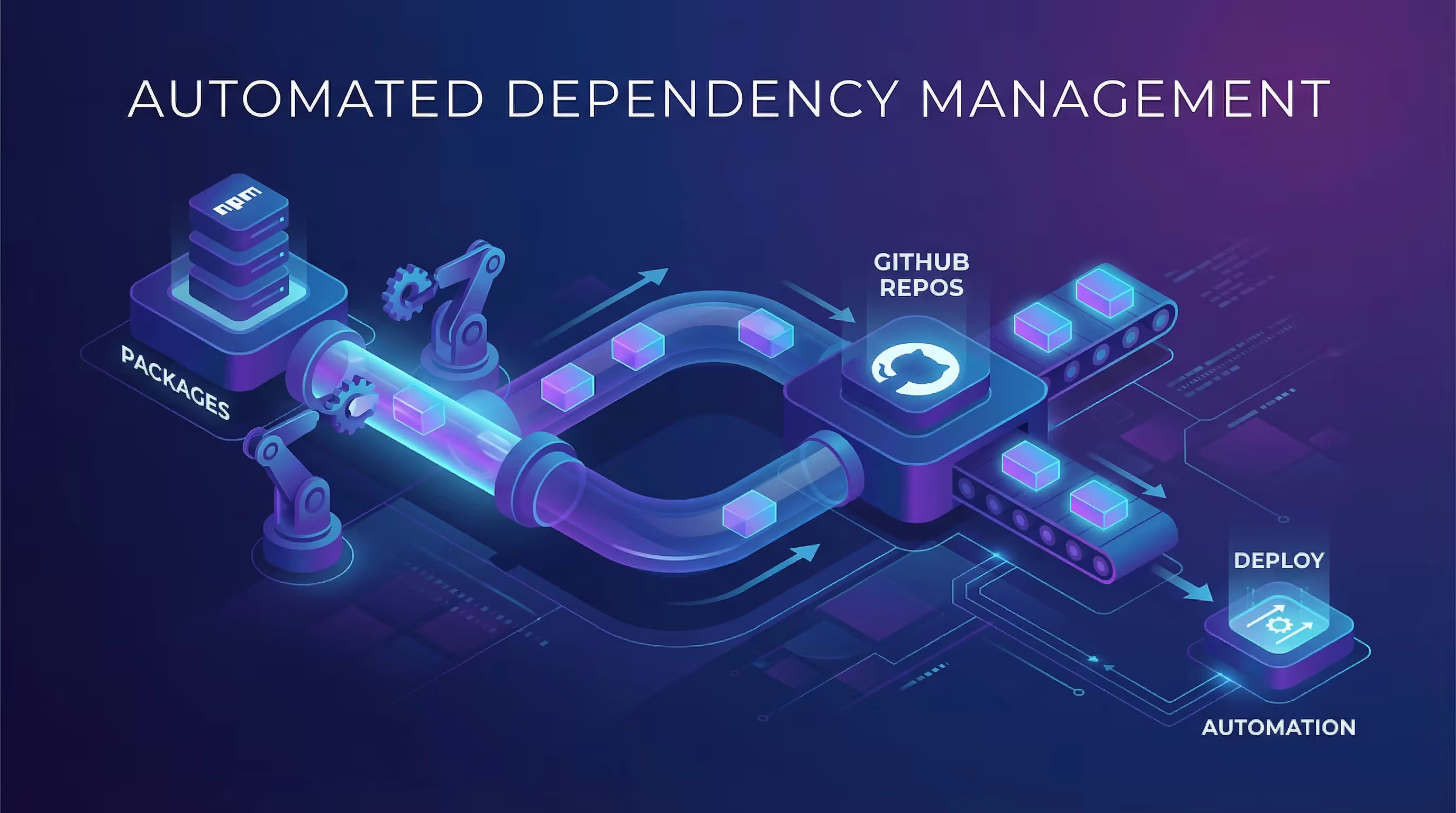
Renovate Automated Dependency Update Guide
Renovate Automated Dependency Update Guide Using Renovate to fully automate GitHub repository dependency updates with zero manual intervention Topics: Startup, Management, Innovation.
Introduction
Maintaining project dependencies is a daily routine for developers. Manually checking, updating, and testing dependency versions is not only time-consuming but also prone to oversight. This article explains how to use Renovate to achieve fully automated dependency updates.
Objectives
- Automatically check for dependency updates at dawn daily
- Auto-create PRs and merge them (after CI passes)
- Zero manual intervention, running silently in the background
- Unified management across multiple repositories
Installing Renovate
- Visit GitHub Apps - Renovate
- Click Install
- Select repositories to enable (can choose all or specific ones)
- Complete authorization
Configuration File
Create renovate.json in the repository root:
{
  "$schema": "https://docs.renovatebot.com/renovate-schema.json",
  "extends": [
    "config:recommended",
    ":automergeAll",
    ":disableDependencyDashboard"
  ],
  "timezone": "Asia/Shanghai",
  "schedule": ["before 3:00am"]
}
Commit and push:
git add renovate.json
git commit -m "chore: configure Renovate for automated dependency updates"
git push
Configuration Details
| Option | Description |
|---|---|
config:recommended |
Renovate’s official recommended base configuration |
:automergeAll |
Core option — auto-merge all updates (including major versions) |
:disableDependencyDashboard |
Disable Dashboard Issue for pure background operation |
timezone |
Set timezone to Asia/Shanghai |
schedule |
Run checks before 3:00 AM daily |
Workflow
3:00 AM daily
    ↓
Renovate checks package.json dependencies
    ↓
Available updates detected
    ↓
Auto-create Pull Request
    ↓
Trigger CI checks
    ↓
CI passes → Auto-merge to main branch
    ↓
See updated dependencies next morning
Multi-Repository Configuration
For multiple projects, copy the same configuration file:
# Create universal config
cat > renovate.json << 'EOF'
{
  "$schema": "https://docs.renovatebot.com/renovate-schema.json",
  "extends": ["config:recommended", ":automergeAll", ":disableDependencyDashboard"],
  "timezone": "Asia/Shanghai",
  "schedule": ["before 3:00am"]
}
EOF

# Apply to multiple repositories
for repo in repo1 repo2 repo3; do
  cp renovate.json $repo/
  cd $repo && git add . && git commit -m "chore: configure Renovate" && git push
  cd ..
done
FAQ
PR not auto-merging?
Check CI status. Renovate only merges after all CI checks pass. If CI fails, manually fix the issue and re-run.
How to trigger updates immediately?
- If Dashboard is enabled: Go to Issues → Dependency Dashboard → Check packages to update → Click Rebase
- Or wait for the scheduled time to run automatically
How to exclude specific dependencies?
Add exclusion rules in the config:
{
  "packageRules": [{
    "matchPackageNames": ["package-name"],
    "enabled": false
  }]
}
pnpm / yarn / npm support?
Renovate auto-detects lock file types, no extra configuration needed.
Verification
After pushing the config, Renovate will run automatically (or wait for the scheduled time). Verification steps:
- Go to repository Pull requests page
- View Renovate-created PRs (title format:
chore(deps): update ...) - Confirm PR has auto-merge enabled
- Auto-merge after CI passes
Summary
Just 5 lines of core configuration:
{
  "extends": [
    "config:recommended",
    "automergeAll",
    "disableDependencyDashboard"
  ],
  "timezone": "Asia/Shanghai",
  "schedule": ["before 3:00am"]
}
Achieve fully automated dependency management, letting developers focus on business code.